Lots of photos. A few posts to make. See how social media managers, photographers and small business owners use Jo to choose photos, prepare carousels and preview their feed on a Mac.
Jo for social media managers
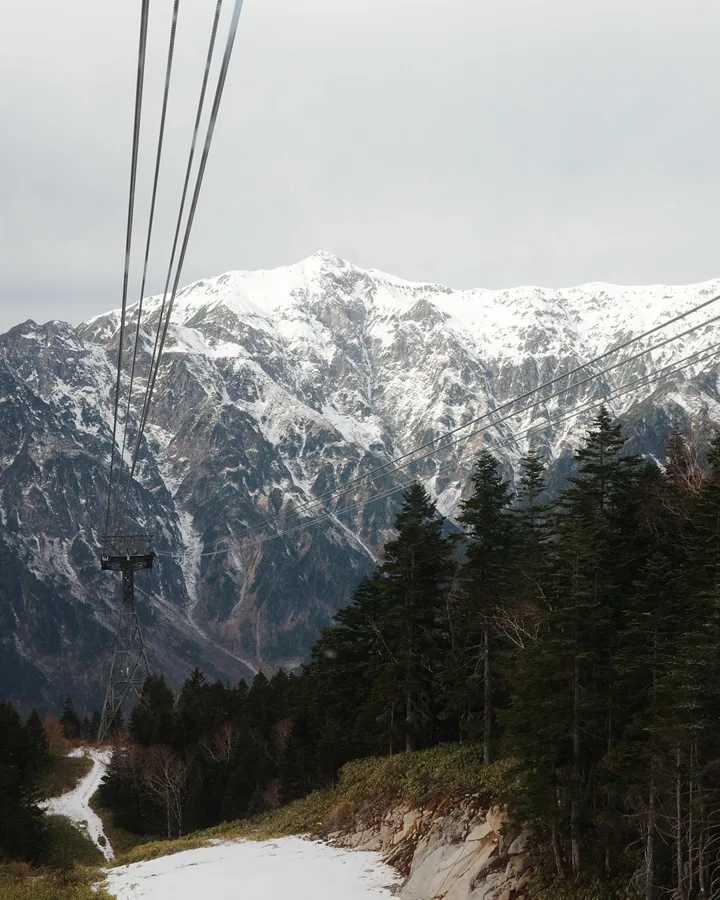
One shoot in Matsumoto has to become several posts, for more than one account, and the feed has to look right before anything goes live.
Plan Instagram carousels from one brand shoot on your Mac. Choose photos, prepare several posts together, and preview the covers in your feed.
Read how social media managers use Jo
Jo for photographers
A travel account run by two people, a camera on every walk, and more photos than either of them could face sorting.
You enjoy taking photos. Jo helps you pick your favourites from a trip, a day out or time with friends, and put them together in Instagram carousels to share.
Read how photographers use Jo
Jo for small business owners
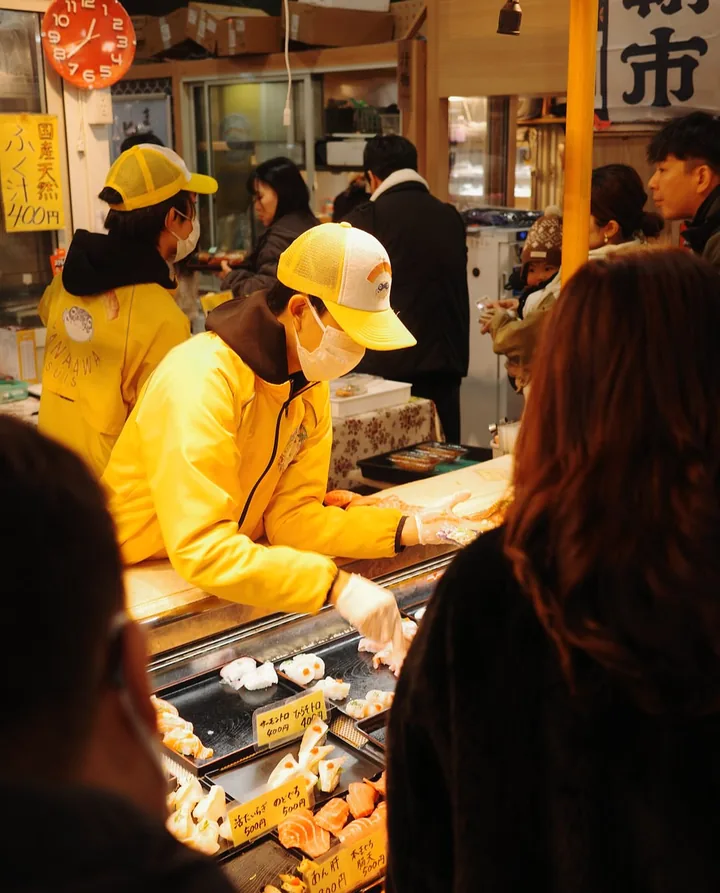
A phone full of photos from the counter, and a few quiet hours a week to turn them into posts.
Prepare Instagram carousels for your small business on a Mac. Turn product photos and everyday moments into a few posts, ready when you need them.
Read how small business owners use Jo
Jo for social media managers
Jo for photographers
Jo for small business owners
See how Jo works